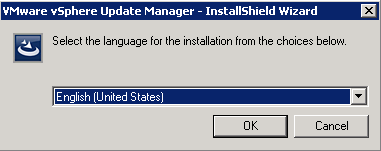
1.1 Select the setup and Select Language
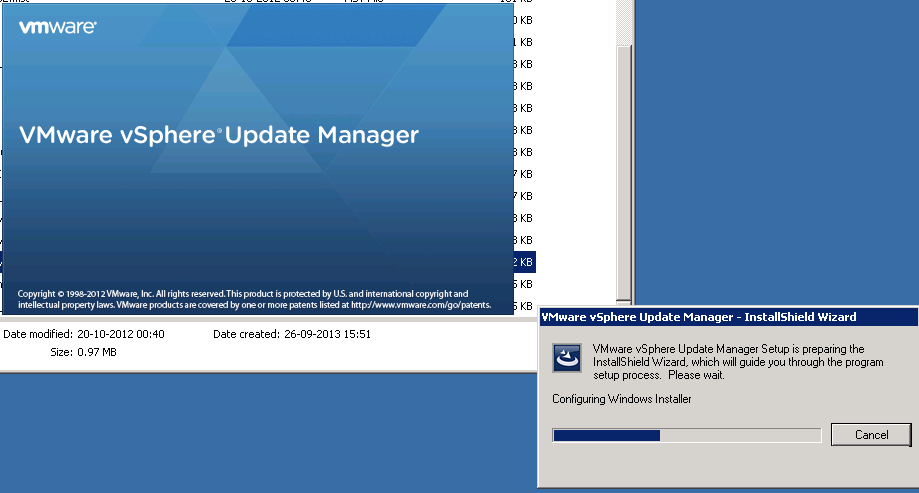
1.2 Initial setup in progress
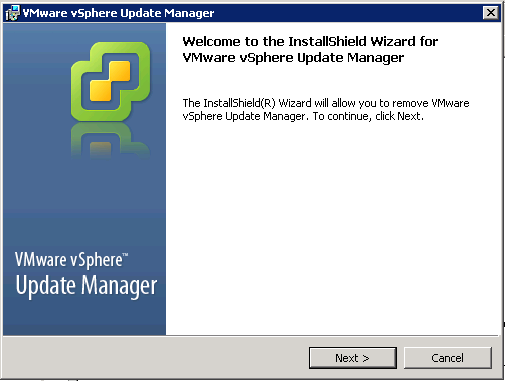
1.3 Select Next.
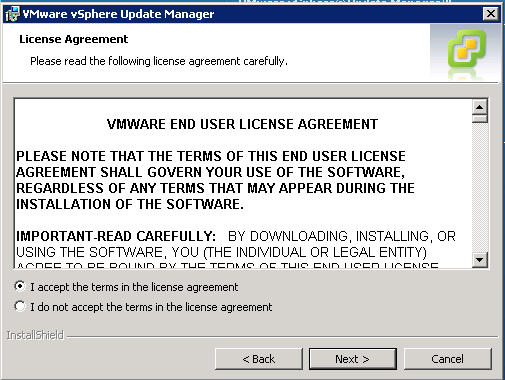
1.4 Accept the EULA
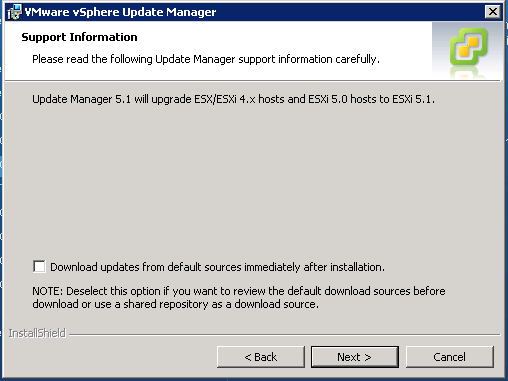
1.5 Uncheck Download updates and select next.
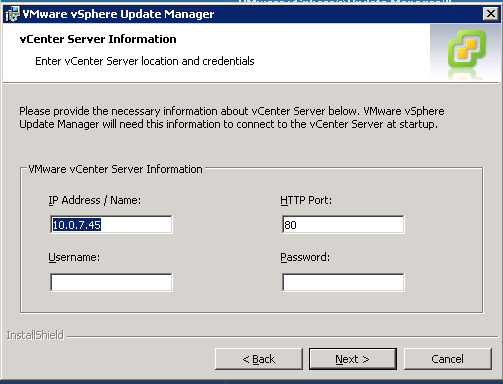
1.6 Provide the user name and password of the vcenter.
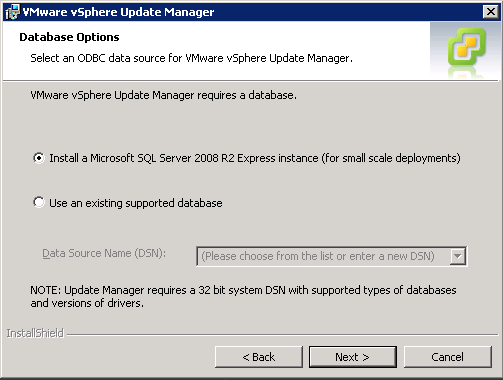
1.7 Select the Existing Database and Chose the DNS
1.8 check for the port number and select next.

1.9 If required change the destination folder.

1.10 Select Install
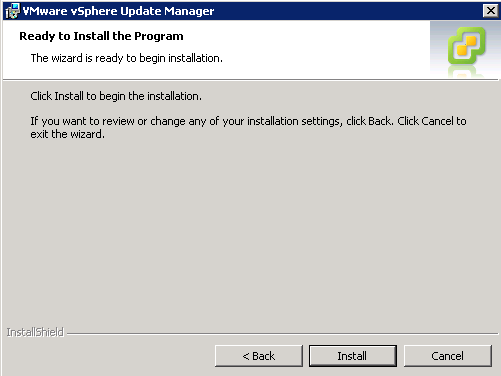
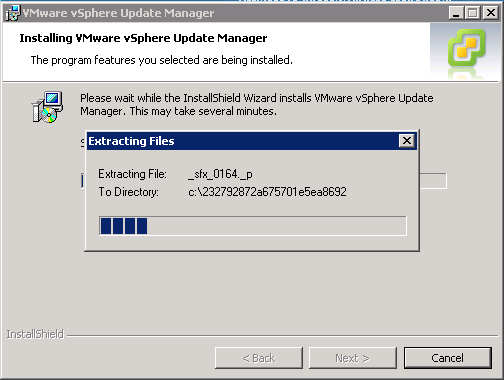
1.11 Installation in progress
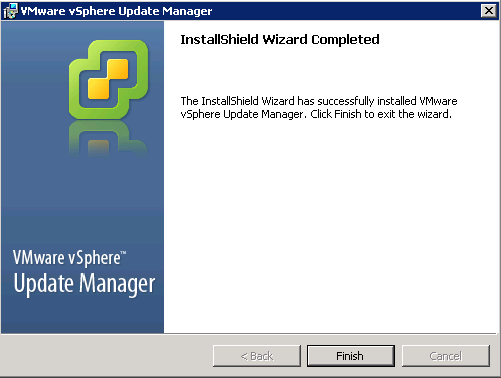
1.12 Select Finish.
 vPower