Step 1: Mount the ISO and Boot from disk. Select the ESXi installation.

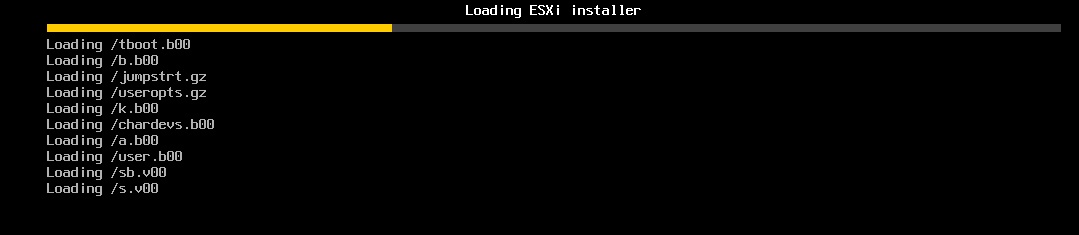
Step 2: Setup in progress.
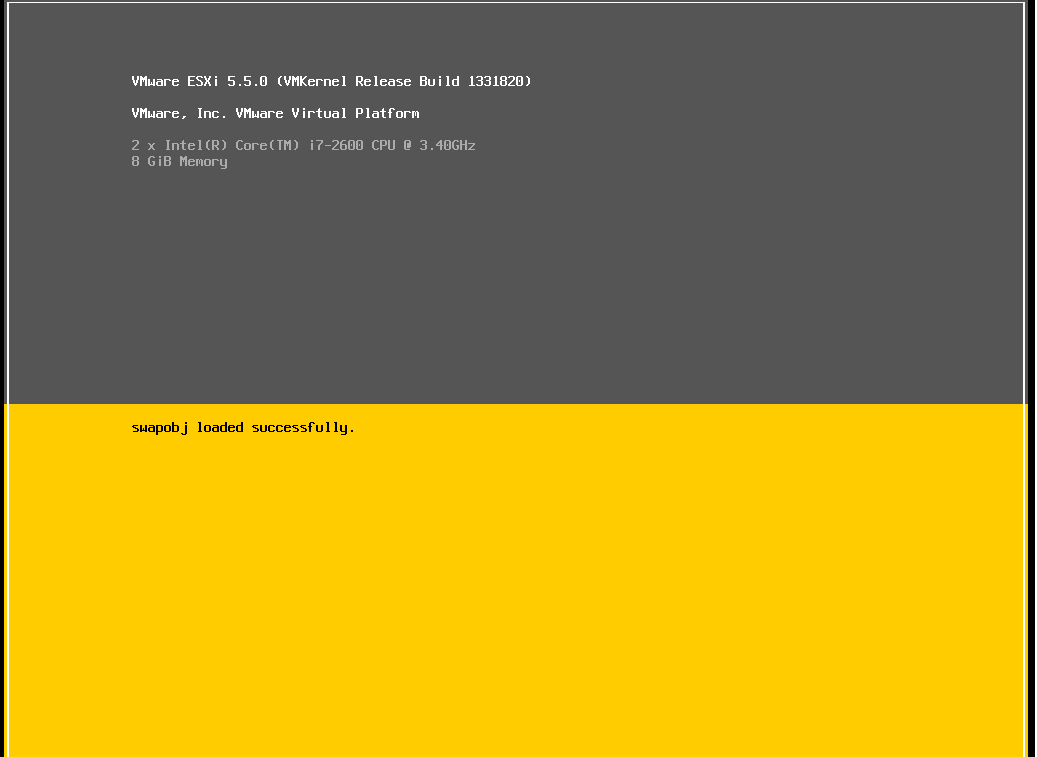
Step 3: VMware 5.5 console.
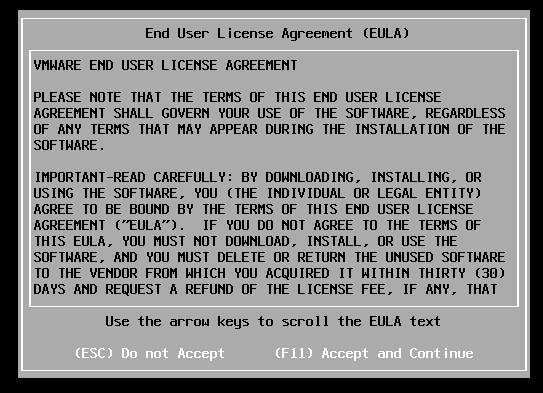
Step 4: Accept the EULA.
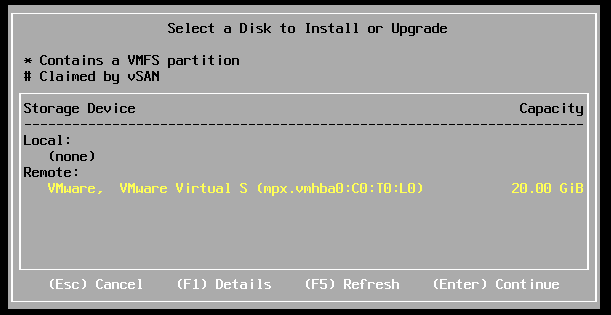
Step 5: Select the Disk
Step 7: Select the Keyboard Layout

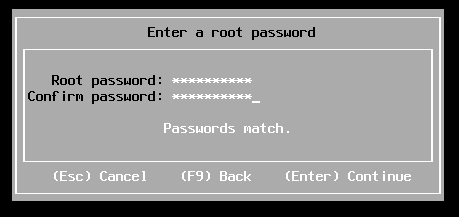
Step 8: Provide the root password.
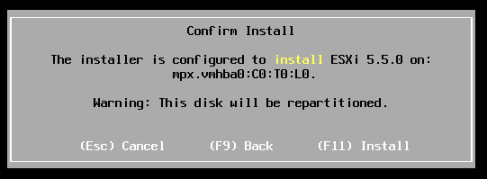
Step 9: press F11 to install.
Step 10:Final setup in progress

 vPower